Fruitport Technology Support
Home → Tips and Tricks → Tartan → Report an Email
1.1. Report an Email
Report an Email From Gmail
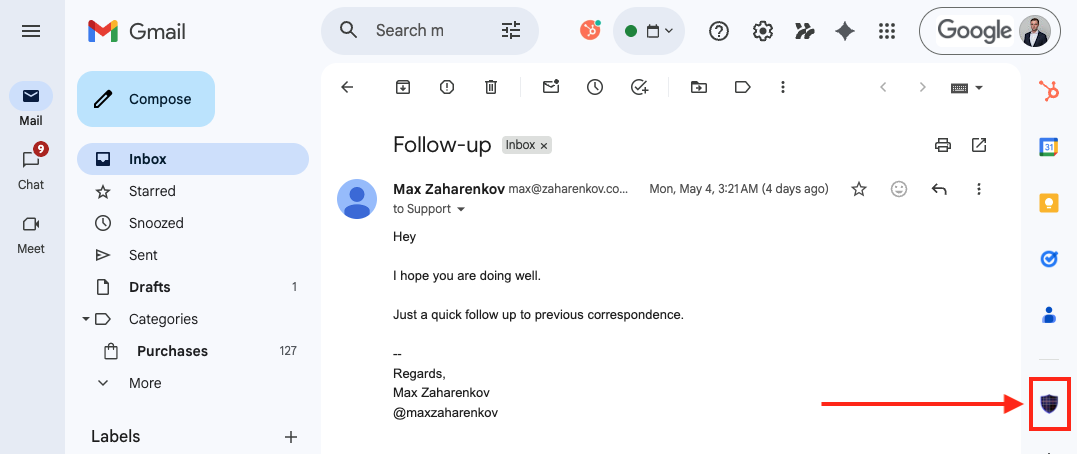
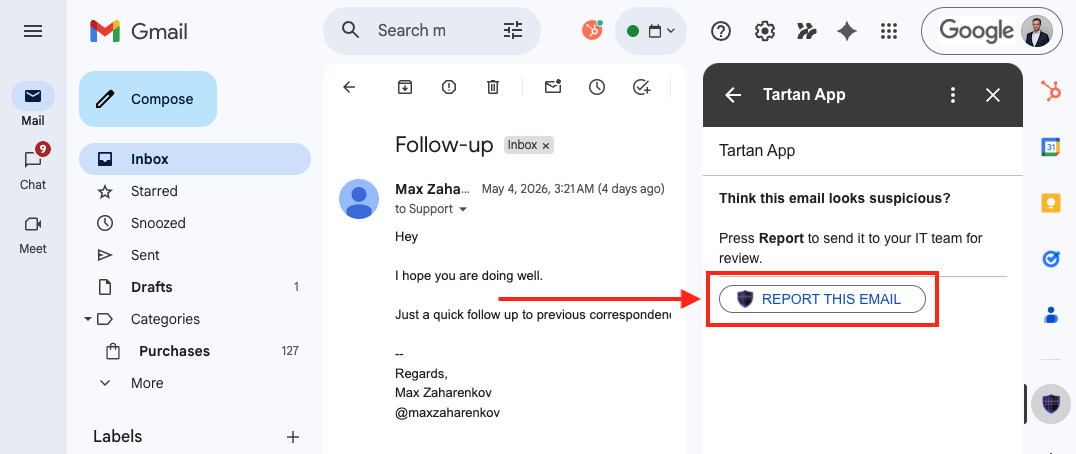
Open a suspicious message, select the Tartan App Shield icon in the Gmail side panel, and choose Report This Email.
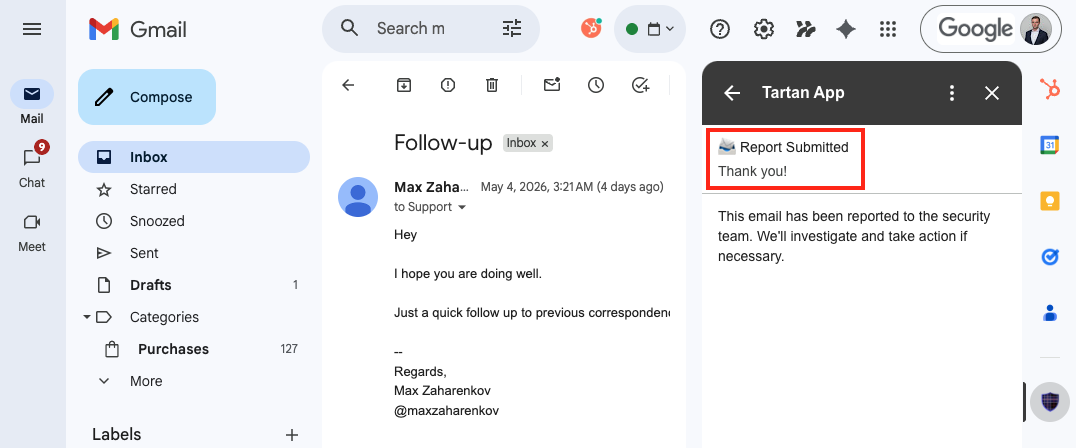
After the report is submitted, Gmail shows a confirmation in the Tartan App Shield add-on.
This page was: Helpful |
Not Helpful